Built by Jawad N
JMN Browser
A fast, focused Windows browser with a custom JMN start page, cleaner shortcuts, profile polish, and a premium dark interface.
Windows 10/11
64-bit
192 MB setup
Chromium based
09:41
Fast start. Clean browsing.
Search with JMN or enter address
Go
Google
Gmail
YouTube
Instagram
Features
Everything users expect, wrapped in a cleaner JMN experience.
JMN New Tab
Large clock, search, shortcuts, and a dark premium visual style from the first screen.
Fast search
Search the web or open a URL directly from the start page or address bar.
Profile polish
Custom profile naming and branding so the browser does not feel like a renamed clone.
Privacy controls
Quick access to browser privacy, history cleanup, site settings, and safe browsing controls.
Bookmarks ready
Clean bookmarks bar and most-used shortcuts designed for daily browsing.
JMN support link
About page and site actions point users to jmncode.com for product and creator information.
Experience
Designed to feel like a real product, not just a renamed build.
JMN Browser has its own launch page, logo system, installer name, profile language, help page, and download path. The next phase can add auto-update, signed installers, and a public release channel.
150Chromium engine version
64-bitWindows build target
JMNBranding across core pages
Inside JMN
Real product surfaces, shown directly on the site.
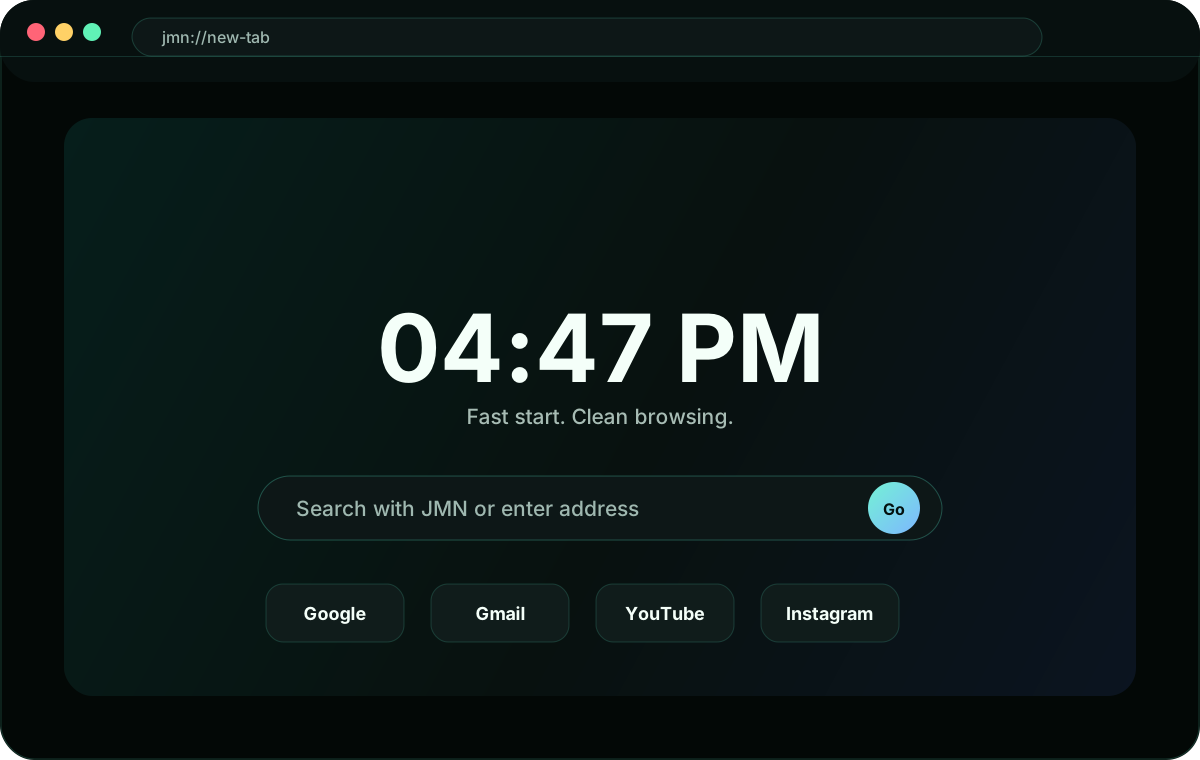
Start page
Custom JMN New Tab
Clock, focused search, and daily shortcuts with a clean dark interface.
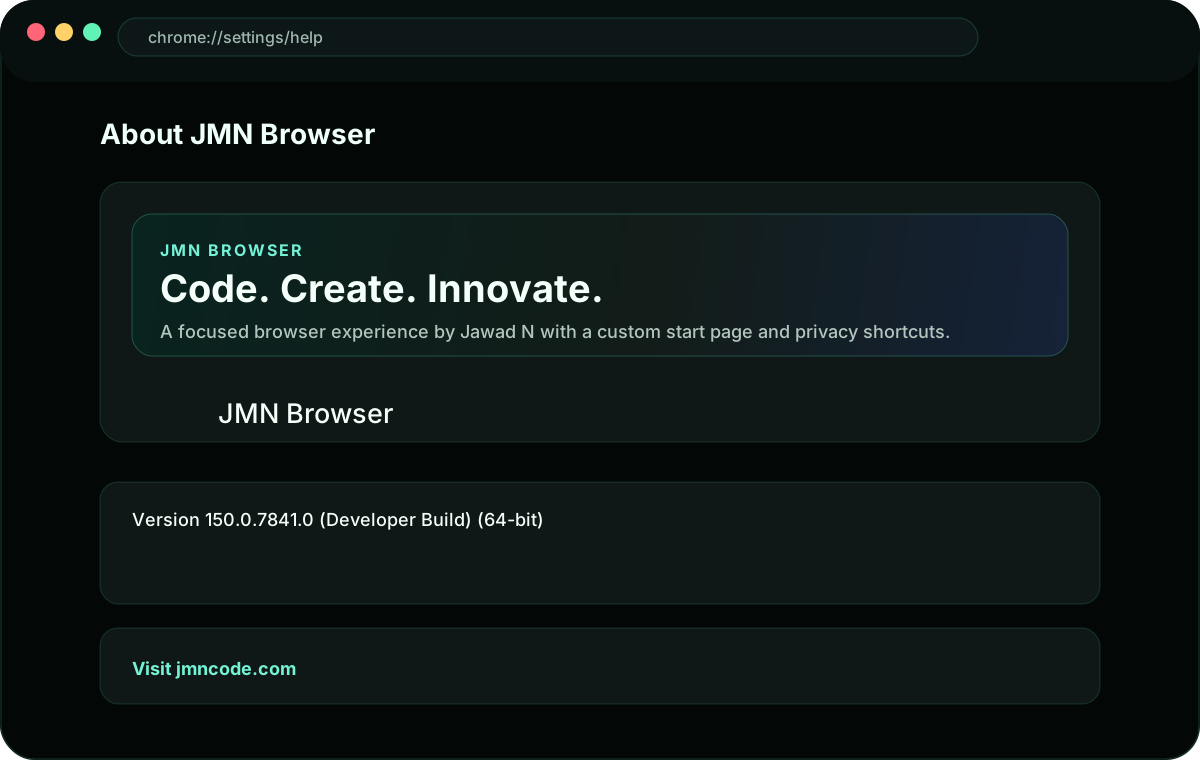
Branding
JMN About page
Product identity, version details, and a direct link to jmncode.com.
Download
Get JMN Browser for Windows.
This setup installs the latest local JMN Browser build. Use it for testing before public release, then replace the file here with the signed production installer.
FAQ
Release notes for the first public build.
Is this based on Chromium?
Yes. JMN Browser is built on the Chromium open source project with custom JMN branding and product changes.
Can we publish it publicly?
Yes, after final testing, installer signing, update flow decisions, and a clear privacy/support page are ready.
Can the download link be changed later?
Yes. Replace the file inside the downloads folder or point the button to your hosted release URL.